

Custom vs. Off-the-Shelf Software: How to Choose the Right Fit
Choosing software isn’t just an IT decision. It shapes how your team works every day, how customers experience your brand, and how your costs evolve over time. The question sounds simple: buy a ready-made product or build your own. But the decision is often harder than it sounds.
Teams juggle existing habits and tools, budget constraints, and a mix of needs that are partly standard and partly unique. Your team built a workaround last year. It became a process. Now three people depend on it, and nobody remembers why it exists. That workaround is a signal.
We won’t tell you which path is right for your business. What we will do is give you a clear starting point to think critically about your needs and how they align with your options.
In this article...
Does Off-the-Shelf Software Cover What You Actually Need?
The first thing to consider is the type of business you run and the type of work involved. If your business runs on common patterns (standard accounting, typical inventory tracking, routine customer support) there’s a good chance an off-the-shelf solution already exists that will cover your needs with few exceptions.
The same is true in large industries with specialized software built for them. Those products tend to be well-rounded, battle-tested, and cost-effective. In these cases, buying an existing option is often the fastest, simplest, and least risky path. Off-the-shelf software comes with sensible defaults, familiar interfaces, and built-in connectors to other services. You can get up and running quickly. The vendor handles infrastructure, security patches, and updates. You focus on your work.
If your process is standard and the market has a mature product for it, buying is usually the fastest, most affordable path.
The decision gets more interesting when your needs are only partly covered.
If your process is notably different, you’re trying to set yourself apart from competitors, or you work in a niche industry with few software options built for it, a custom solution may be the best fit. If you choose off-the-shelf in these situations, you may find yourself changing how you operate to fit the tool rather than designing a tool that fits how you work.
While many off-the-shelf products let you tweak settings and add extensions, they don’t allow deep changes. You may find yourself building hybrid processes around the tool to compensate for its shortcomings. That can get messy, fragile, and difficult to scale fast. A small accommodation often snowballs. What starts as “we’ll just export that report manually” becomes a part-time job in eighteen months.
Before you evaluate any product, document your current process in detail. Where does time disappear? Which steps are error-prone or frustrating? What do new employees consistently struggle to learn? Do you need bulk loads, easy import/export, or reliable integrations with your other systems? Those friction points are your requirements. Let them drive your evaluation, not the vendor’s feature list.
When a Hybrid Software Approach Makes Sense

If a product covers one part of your business cleanly but not another, a hybrid approach can, and often does, work—off-the-shelf for the commodity portion, custom for the part that’s uniquely yours.
But before you go this route, ask one critical question: how does data move between the two systems?
If the answer involves manual exports, copy-paste steps, or employees acting as the connection between platforms, that’s a red flag. Manual data movement is slow, error-prone, and impossible to scale. It also means you’ve introduced a dependency: when the off-the-shelf vendor releases an update, your custom layer may break. You don’t want employees acting as the glue between systems.
Questions to answer before committing to a hybrid setup:
- Can data move between systems automatically, without manual intervention?
- What happens when the off-the-shelf product updates its data structure or API?
- Who owns the integration layer? Who maintains it when something breaks?
- Is the manual overhead lower than the cost of a full custom build?
If you can’t answer those questions clearly, a full custom solution may be cleaner and cheaper in the long run. One system, one data model, one team accountable for the whole thing.
Not sure how to answer these questions for your business? An HBS expert can help you think it through.
Total Cost of Ownership: What Buyers Tend to Miss
Budget is a major consideration for any company. But many buyers focus on upfront cost without thinking about how that cost spreads over time.
Off-the-shelf usually means subscriptions that rise each year. At what point does the total cost of seats, storage, add-ons, and API usage stop making sense for the limited set of features you actually use? If you decide to switch later, factor in the cost of migration and the ripple effects on every other application that integrates with it.
Custom development has its own cost curve: you’ll pay to build features, host and secure the system, keep dependencies up to date, and adapt when external services change. The upside is control so you don’t pay for features you don’t need. The downside is responsibility so you own the maintenance.
| Off-the-shelf cost drivers to model | Custom development cost drivers to model |
|---|---|
| Annual subscription increases, often 5–15% per year | Initial build cost for core features |
| Per-seat pricing that grows with your headcount | Hosting, security, and infrastructure |
| Add-on modules for features you eventually need | Ongoing maintenance as dependencies and external services evolve |
| Storage and API usage fees as your data grows | Feature development as your business changes |
| Migration cost if you switch platforms later | Internal or vendor resources to own the platform |
| Productivity lost to workarounds and manual processes |
The math depends on how well the product fits your process and how much that fit changes over time.
One cost that rarely shows up in comparisons: the labor your team currently spends on manual tasks, data entry, and workarounds in your existing setup. That number is often larger than the software cost itself. Make sure to build it into your analysis.
If getting up and running in weeks has value, that time is real. If building a differentiated workflow is what positions your company to compete, that value is real too. Compare both honestly.
How Each Software Option Handles Future Growth
The software you buy today will almost certainly need to do different things in three years.
With off-the-shelf software, you’re buying into a vendor’s roadmap. That roadmap serves their entire customer base, not just you. Feature requests get prioritized by volume. If your need is unique, it may never ship. If a capability you depend on gets deprecated or removed, your options are limited. If you need to stitch together multiple products to get the full feature set you need, ask yourself how maintainable that is for your team.
That’s not a criticism of off-the-shelf products, it’s just how they work. The tradeoff is a maintained, evolving product without carrying the burden of building it. For standard workflows, that’s a good deal.
Custom software inverts that dynamic. You control the roadmap. You decide which features ship, when they ship, and how they scale. You can label some ideas “nice to have” for later and focus your budget on the essentials that unlock value now. That control matters most when your workflow is genuinely different from the market and central to how you compete.
Before signing a multi-year contract, check the vendor’s public roadmap. Is the capability you’ll need next year already on it? How far out? What happens if it never arrives or gets removed?
If you’re considering off-the-shelf, also ask what happens if you need to leave. Migration cost is real. So are the ripple effects on every other system that integrates with the one you’re replacing.
Data Access, Integrations, and Scalability
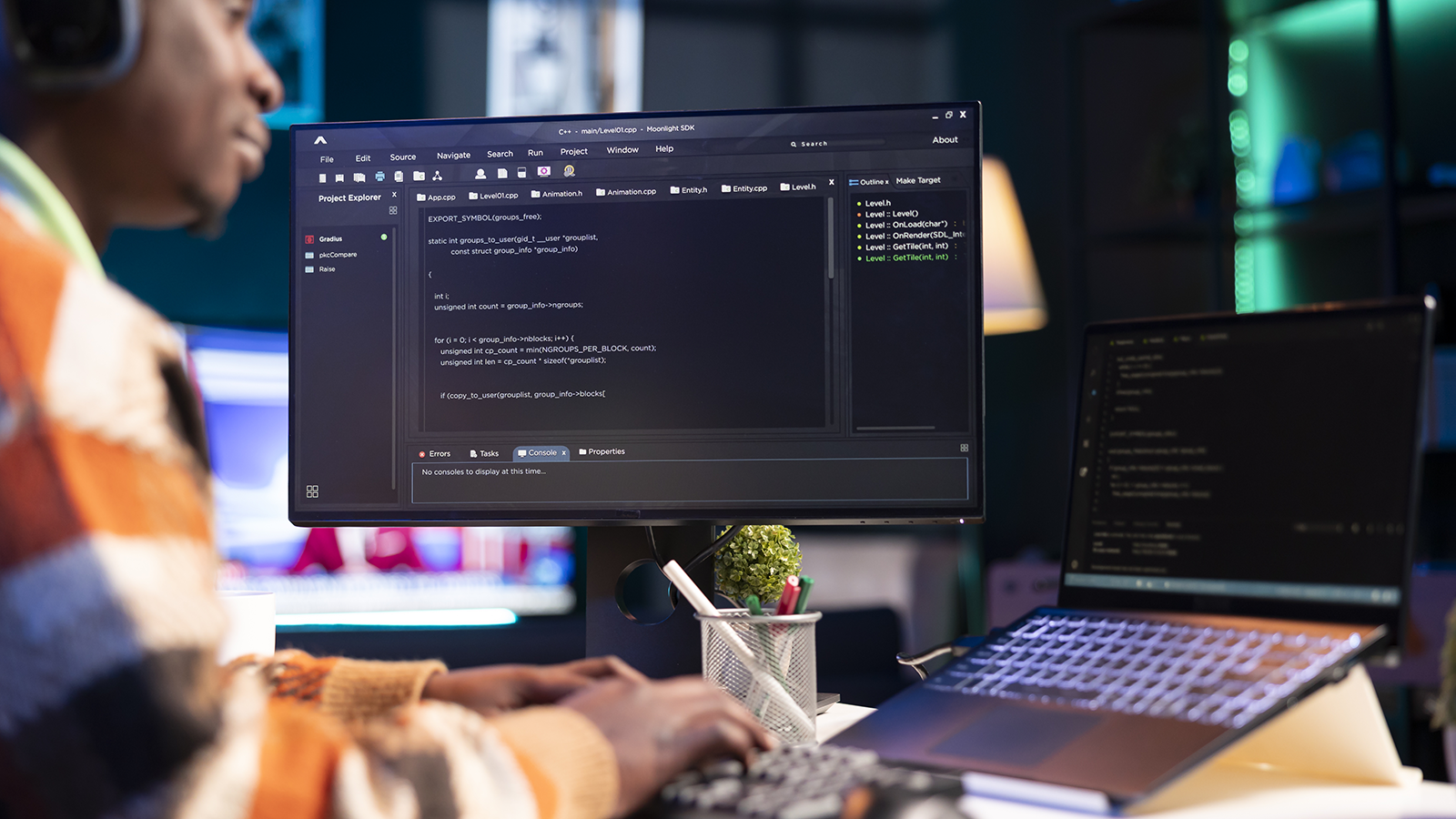
Data access and scale are the last big pieces of this decision. Software is only as useful as the data you can get in and out of it. Before committing to any platform, pressure-test these areas honestly.
Data access and portability
- Can you export your data in a usable format, at any time, without contacting support?
- Can you make bulk changes without manual effort?
- What happens to your data if you cancel the subscription?
Integrations
- Does the product connect cleanly with the other tools you rely on today?
- Are those integrations native, or do they require a third-party connector that adds cost and a new failure point?
- Are you double-entering data in two places, or copying information from one app to another just to keep things in sync?
Scalability
- As your order volume, user count, or data size grows, how does performance hold up?
- Does cost scale linearly with usage, or are there pricing cliffs?
- Have other companies in your industry scaled this product successfully?
Off-the-shelf tools generally handle scale well for typical workloads. Where they struggle is unusual data models and non-standard workflows, exactly the scenarios where custom software earns its cost.
Custom software gives you full control over performance targets, data structure, and integration behavior. That control pays off most when your process is truly different and central to your competitive edge.
Making the Software Call
Before you shop or spec anything, try to answer these questions:
- How standard is your process?
If your workflow maps cleanly to what the market already offers, off-the-shelf is almost always the right answer. Faster, cheaper, lower risk.
- Where is the gap, and what does it cost you?
If a product covers 70% of your needs, what does the other 30% cost in workarounds, manual labor, and lost productivity? That number tells you whether a custom build pencils out.
- Is the way you work a competitive advantage?
If your process is what sets you apart, building software that reflects and reinforces that process may be the highest-leverage investment you can make.
- Can you afford to own what you build?
Custom software requires ongoing investment: hosting, maintenance, updates, new features. You own the platform. If your team or budget can’t sustain that over time, a well-chosen off-the-shelf product may serve you better.
- What does switching cost?
Model the cost of migrating off your current platform and off the one you’re evaluating. Write down your must-haves, run a short trial or prototype, and model costs over a few years, including the cost to switch. Make the choice that gets you real value now without closing off your options later.
When to Buy, Go Hybrid, or Build: A Quick Reference
| Off-the-shelf | Hybrid | Custom build |
|---|---|---|
| Standard process with few exceptions | One area fits well; another is genuinely unique | Process is central to your competitive advantage |
| Mature, specialized products exist for your industry | Automated data integration is feasible | No off-the-shelf option covers your core needs |
| Speed to value is a priority | Manual data movement is not acceptable | You need full control over data and features |
| Budget favors subscription over capital spend | Both portions are well-defined before you build | Your team can sustain ongoing platform ownership |
Not Sure Which Path Fits? HBS Can Help
Choosing the right software starts with knowing what you’re actually solving for. HBS works with businesses to assess current workflows, define requirements, and identify solutions that fit, whether that means an off-the-shelf product, a custom build, or something in between.
Talk to an HBS advisor to map your requirements and find the right fit.
Frequently Asked Questions
What is the difference between custom and off-the-shelf software?
Off-the-shelf software is a commercially available product built for a broad audience. Custom software is designed and built specifically for your organization’s workflows, data model, and requirements. Off-the-shelf is faster and less expensive to deploy. Custom gives you control over features, integrations, and how the system scales with your business.
When does custom software make more sense than buying a product?
Custom development makes sense when your workflow is genuinely different from what the market offers, when the gap between available products and your needs creates significant workaround cost, or when the way you work is part of your competitive advantage and you need full control over it.
What hidden costs should I consider when evaluating software?
Beyond subscription fees, model annual price increases, per-seat growth, add-on module costs, integration maintenance, migration cost if you switch, and the labor your team currently spends on manual processes and workarounds. That last item is often larger than the software cost itself.
Is it possible to start with off-the-shelf software and switch to custom later?
Yes, but migration carries real cost. Plan for it from the start. The cleaner your data model and the more portable your data, the lower that cost will be. If you suspect you’ll outgrow a product in two to three years, factor migration into your initial comparison.
What should I do before evaluating any software option?
Document your current process in detail. Identify where time is lost, where errors occur, and which steps are critical to how you compete. Let those requirements drive your evaluation. Don’t let a vendor’s feature list define what you need.
Related Content

Custom AI Assistant Eases IT Burden for Governing Agency
Discover how a governing agency partnered with HBS to create a secure, Azure-based AI assistant that reduced help desk tickets, improved internal support, and built confidence in AI across departments.

Custom Software Design and Development Project for My Talent Planner
My Talent Planner was looking for a software engineering team that could bring their vision to life, and create a product that could be used by thousands of SMB leaders.
Application Development
Streamline processes and boost efficiency with custom application development from HBS. We build tailored solutions for your unique organizational needs.