


E-rate (Educational Rate) makes communications and information services more affordable for thousands of schools and public libraries across the United States. This FCC program—funded by the Universal Service Fund—provides discounts of 20-90% for communications, internet access, and internal connections for eligible schools and libraries.
If you're new to the E-Rate process, there’s a lot to navigate. And as the demand for technology increases in K-12 schools and libraries, understanding how to maximize E-Rate funding is very important.
Let’s explore how you can make the most out of your E-Rate funding so you can provide the best learning environment possible.
What is E-Rate Funding?
E-Rate, short for “Education Rate,” is a federal program designed to help schools and libraries afford telecommunications and internet access. Administered by the Universal Service Administrative Company (USAC) under the guidance of the FCC, the program offers significant discounts ranging from 20% to 90%, based on economic need and location.
These funds cover everything from internet access (Category 1 services) to internal connections like Wi-Fi (Category 2 services).

How to Maximize Your E-Rate Funding
1. Evaluate Your Resources
Before diving into the application process, assess your current technology setup. Understand your school’s or library’s needs, existing infrastructure, and future goals. This will help you identify gaps and opportunities for improvement.
2. Create a Technology Vision
Develop a clear, strategic vision for your technology needs. This should align with your educational goals and include plans for enhancing connectivity, network infrastructure, and digital learning tools. A well-thought-out vision ensures your E-Rate funding is used effectively.
3. Assess and Prioritize
Identify and prioritize the most critical projects. Whether it’s upgrading your internet bandwidth, enhancing Wi-Fi coverage, or updating outdated hardware, knowing your priorities will guide your funding requests and ensure the most pressing needs are met first.
4. Plan and Update Your Network
Create a detailed plan for updating your network infrastructure. This includes specifying the equipment and services you need, such as routers, switches, cabling, and maintenance. Make sure to align your plan with E-Rate eligible services to maximize your funding potential.
5. Monitor Deadlines
The E-Rate program has strict deadlines. Stay ahead by monitoring these dates and preparing your applications early. Missing a deadline can result in lost funding opportunities, so build in extra time for contingencies.
Pro Tips for Navigating the E-Rate Process
- Know Your Budget Calculation: Understand how E-Rate discounts apply to your school or library. For Category 2 services, schools receive funding based on student population, while libraries receive funding based on square footage.
- Identify Matching and Other Funding Sources: E-Rate covers a significant portion of your costs, but not all. Identify additional funding sources to cover any gaps.
- Manage the Process Year-Round: E-Rate is not a one-time application. Manage it year-round to ensure compliance and readiness for the next cycle.
- Keep Detailed Documentation: For at least 10 years, keep records of all communications and transactions related to E-Rate. This documentation is crucial for audits.
- Verify Eligibility of Products and Services: Ensure all requested items are E-Rate eligible. Refer to the E-Rate Eligible Services List for guidance.
- Pay Service Providers Promptly: Avoid compliance issues by making timely payments to your service providers.
- Maintain Internet Safety Policies: Keep your internet safety policies up to date to comply with E-Rate requirements.
- Confirm Entity Eligibility: Verify that all recipients of E-Rate funded services are eligible under program guidelines.

Partner with the Right Providers
Service providers who understand the E-Rate program can help you navigate its complexities. Evaluate bids based on multiple factors, with cost being the primary consideration.
By following the above steps, you can make the most of this valuable resource. With careful planning and strategic use of funds, you can create a connected, modern educational environment that supports digital learning and student success.
HBS is here to help. Our team has assisted many schools through the E-Rate process, ensuring they get the most out of their funding. Contact us today to learn more about how we can do the same for you.
What to Know About the FCC’s $200M K-12 Cybersecurity Pilot Program
Learn about the FCC’s new $200M pilot program to enhance cybersecurity in K-12 schools, what it is, what to expect, and how to prepare for the application.
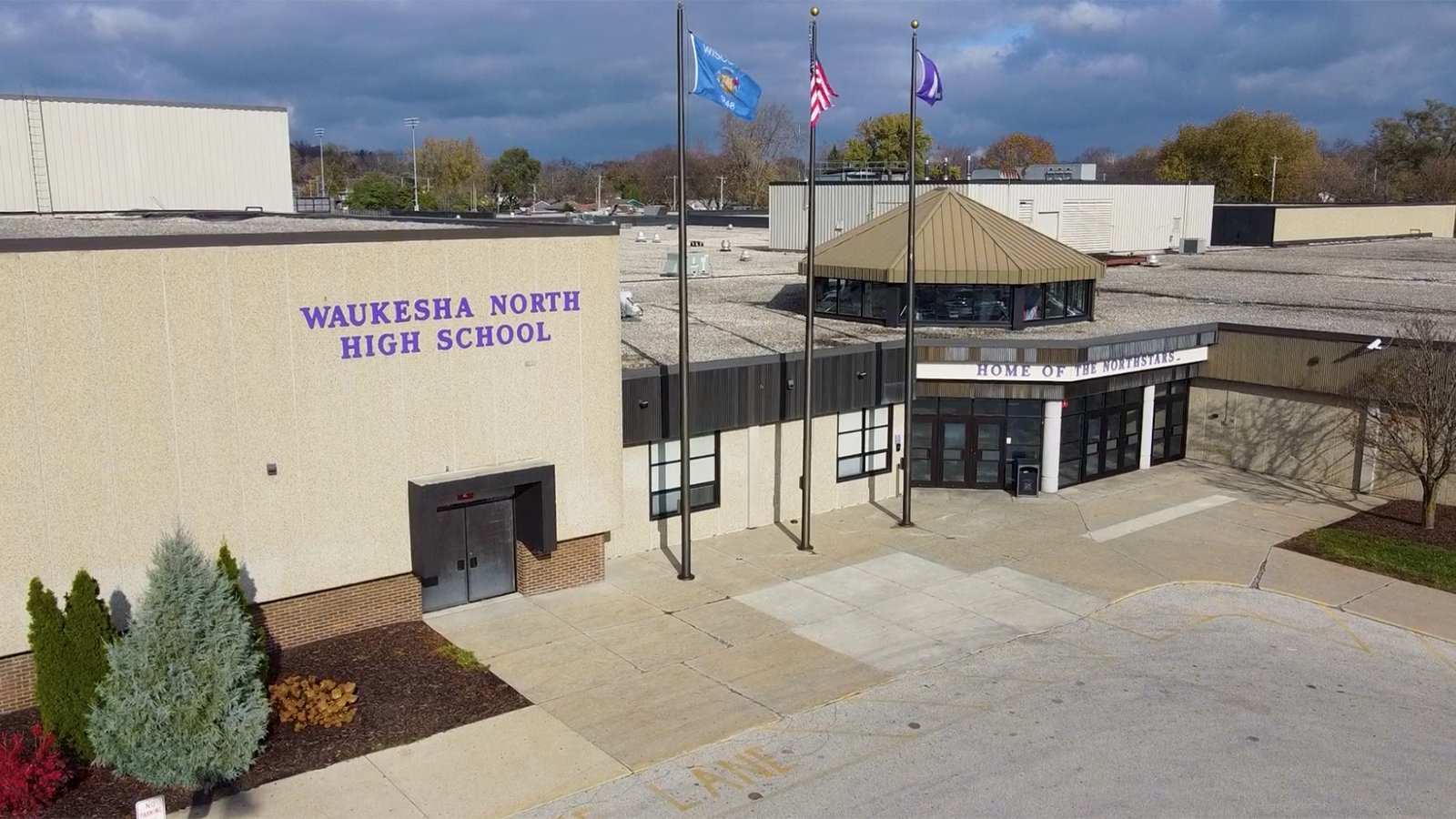
Waukesha Schools: Revolutionizing School Security with Verkada
See how Waukesha Schools transformed district security by replacing multiple, hard-to-manage systems with one unified Verkada platform. Now, cameras, access control, check-in, sensors and alarms work together—enhancing safety and peace of mind.

K-12 Schools Focus on Unified Physical Security
Every K-12 school faces physical security challenges. You must develop a life safety strategy and execute a security plan that protects your district.